Naver Map vs Google Maps in Korea in 2026: Which App for Walking, Transit, Driving & Places?
Use the right map app for the task. Naver Map is still the strongest visitor default for Korean routing and local place data in September 2026, while Google Maps remains useful for familiar global place discovery and saved lists.
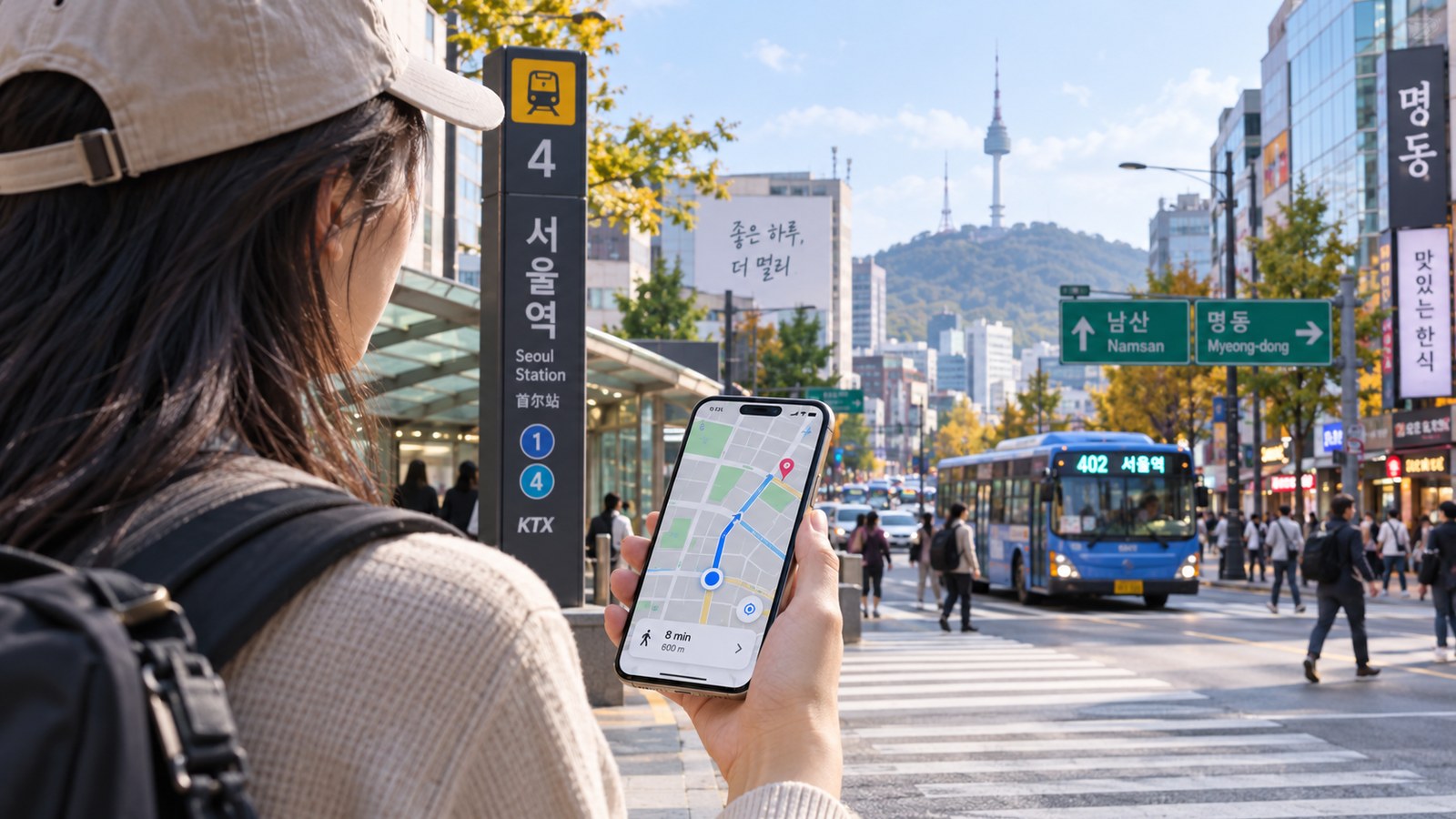
Naver for Korean routing; Google for familiar global discovery—while Google’s Korea rollout changes
Naver Map remains the safest visitor default for Korea-specific walking, transit and driving today. Google won conditional high-precision map approval in 2026, but full Korea navigation is still being implemented.
In most countries, a visitor can install Google Maps and stop thinking about navigation. Korea in 2026 is different—but the situation is changing. The Korean government conditionally approved Google's export of 1:5,000-scale map data in February 2026, which opened the door to fuller Google Maps routing. However, the security-compliance and data-transfer process is still being implemented. As of late September 2026, there is still no confirmed general launch of full turn-by-turn walking and driving navigation in Korea.
For a visitor travelling now, MikeyKorea's practical answer is: use Naver Map as the primary Korea navigation app, keep Google Maps for familiar place discovery, reviews and global saved lists, and know that Kakao Map is a strong local alternative.
Task-by-task comparison
| Task | Naver Map | Google Maps | Kakao Map |
|---|---|---|---|
| Public transport routing in Korea | Strong; real-time transit features | Useful for transit planning | Strong local option |
| Walking route guidance | Strong local routing | Still limited as a Korea default in Sep 2026 | Strong local option |
| Driving navigation | Full navigation with real-time traffic | Full Korea rollout still pending | Strong local option |
| English interface | Yes; maps support Korean/English/Japanese/Chinese and English navigation | Yes | English support available for core map use |
| Local restaurant/café discovery | Very strong local ecosystem | Good international-review ecosystem | Strong local ecosystem |
| Booking / ordering as a foreign visitor | Improved sharply in 2026 with passport verification | Depends on merchant/platform | Varies by service |
| Global saved places / sharing with travellers abroad | Good | Excellent for users already living in Google's ecosystem | More Korea-focused |

Why Naver Map is still the visitor default
Naver's current app listing describes driving navigation with real-time traffic, transit directions with real-time arrivals, street/aerial views, place discovery, booking and bookmarks. It supports Korean, English, Japanese and Chinese map interfaces and English navigation. Korea's official 2026 visitor transportation guide also lists Naver Map and Kakao Map as route-search services for driving, public transport and walking.
That matters because visitors need more than a blue line on a map. In Korea, station exits, local business names, bus stops, building entrances and recent restaurant information can matter more than the broad street network. Naver's local search ecosystem is closely connected to Korean businesses and reviews.
Naver got easier for foreigners in June 2026
Naver introduced passport verification for foreign users on 4 June 2026. A traveller with a non-Korean passport can use that verification to access Naver Booking, Naver Order and payment-related travel services through Naver Map without first obtaining a Korean mobile number. This does not mean every Korean merchant workflow is suddenly frictionless, but it removes one of the most common historical barriers.
What changed for Google Maps in 2026?
On 27 February 2026, the Korean government conditionally approved Google's request to export high-precision national map data. The conditions include security treatment of sensitive locations and local processing requirements. Google has since begun implementing those conditions; Korean reporting in September documented newly blurred military and security sites as part of the compliance process.
This is important because it means the old statement “Google Maps will never work properly in Korea” is now outdated. But the opposite statement—“Google Maps now has full Korean navigation”—is also premature. Industry reporting in September 2026 described a target around the first quarter of 2027 for fuller directions/navigation, not a completed nationwide launch in September 2026.
When Google Maps is still useful
Google Maps remains valuable if you already save hotels, restaurants and attractions there, if you rely on its international review ecosystem, or if you are coordinating with friends outside Korea who all use Google. You can use it as a discovery and trip-organisation layer, then open the Korean address or place name in Naver Map for the final route.
This two-app workflow is often better than trying to force a single app to do everything.
Kakao Map: the underused third option
Kakao Map is not just a backup for Koreans. Korea's official transport guide lists it alongside Naver Map for driving, public-transit and walking route search. Some visitors prefer its interface or specific local route results. If Naver search struggles with a place name, Kakao is worth trying before concluding that the business is unmapped.

Search problems: use the Korean address when possible
Foreign visitors often blame the map app when the real problem is name matching. A business may have several English spellings while the Korean business name and road address are unambiguous. Save both the Korean and English hotel addresses. For a restaurant or clinic, copy the Korean name from the official website, booking confirmation or social account and paste it into Naver or Kakao.
Which app should you use by traveller type?
| Traveller | Suggested setup |
|---|---|
| First-time visitor using subway/bus | Naver Map primary; Google Maps secondary for saved lists and international reviews. |
| Rental-car traveller | Naver or Kakao navigation primary until Google's full Korea navigation is actually live and verified. |
| Food-focused traveller | Naver for local place data/bookings; Google for an additional review perspective. |
| Group already sharing a Google list | Keep the shared Google list; copy destinations into Naver for final Korean routing. |
| Repeat visitor comfortable with Korean apps | Use both Naver and Kakao, choosing whichever gives the better route/place result. |
MikeyKorea's 60-second setup before landing
- Install Naver Map and switch the interface to English if needed.
- Save your hotel in both English and Korean.
- Save the nearest useful subway exit, not only the station.
- Keep Google Maps for your existing trip lists and cross-check reviews.
- If renting a car, test Korean routing before leaving the rental lot.
Continue planning from here
Use the next step that matches the decision you are making now: Seoul subway guide, where-to-stay guide, first-trip planning guide. These links are selected to continue the same travel task rather than send you back to a generic category page.
Sources
- NAVER — 2026 BE LOCAL / Naver Map visitor features
- NAVER — Passport Verification for foreign visitors, Jun 2026
- NAVER Map — current app feature listing
- KTO — 2026 International Visitors' Transportation Guide
- Yonhap — conditional approval of Google map-data export, Feb 2026
- Newsis — Google security-compliance work, Sep 2026
Last verified: 29 September 2026. Google Maps Korea is a fast-changing topic; the recommendation is deliberately dated.
Use the guide, then test your own situation
Choose the right Seoul base first, then use the map app and transit payment setup that fit the journeys you will actually make.
Related Guides

Seoul Subway Guide: Exits & Transfers
The hard part of Seoul's subway is not buying a ticket—it is choosing the right exit, avoiding unnecessary transfers, handling luggage and matching the route to your walking tolerance.

T-money vs Climate Card: Transit Guide
Understand Korea transit payment as a compatibility problem: physical T-money, Climate Card, foreign credit cards, MobileTmoney, Apple Pay, contactless tap-to-ride and where each method really works in 2026.
Airport Rail vs Airport Bus to Seoul: Which Is Better for Your Hotel?
Compare AREX all-stop, AREX Express and airport limousine buses by the whole door-to-door trip: hotel district, luggage, group size, transfer effort, traffic risk and arrival time.